Many calendars. One clean feed.
One private link for all your calendars, with a different level of detail for each audience.
calendash reads the calendar links you already have, from Google, Outlook, your university timetable or a booking tool, and publishes one subscription link per audience. Clients see when you're busy. Family sees where you are. Nobody gets more than you chose.
No password, no access to your calendar accounts.- Design review, Acme
- Dentist
- Algorithms lecture, room 2.14
- Design review, Acme
- Busy only
- Busy only
- Work
- Dentist
- Uni
From sign-in to a shared link
Screenshots of calendash on Pro with three made-up calendars: work, a university timetable and a personal one.
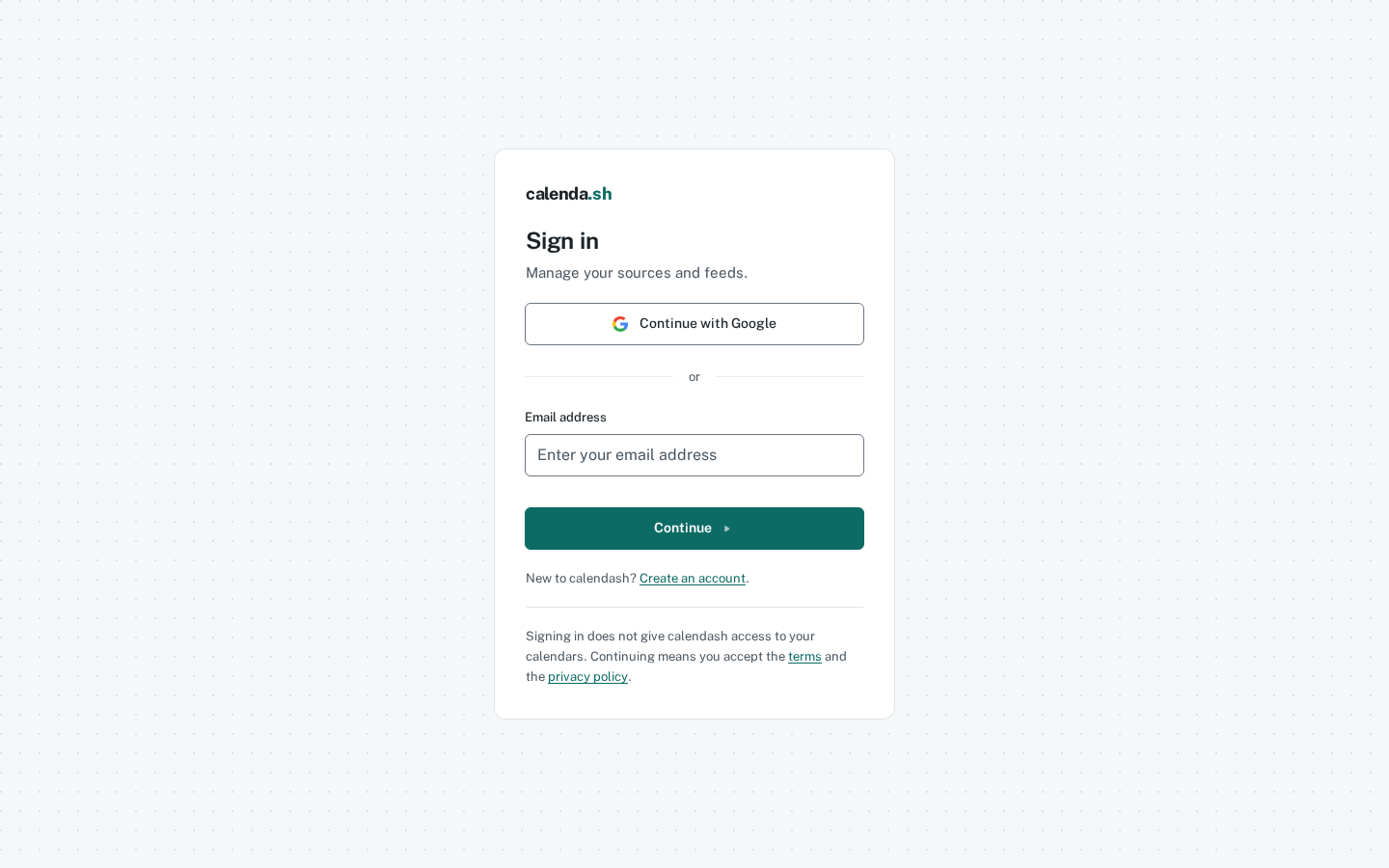
1Sign in with Google, Apple or email
No password, and no access to your calendar accounts.
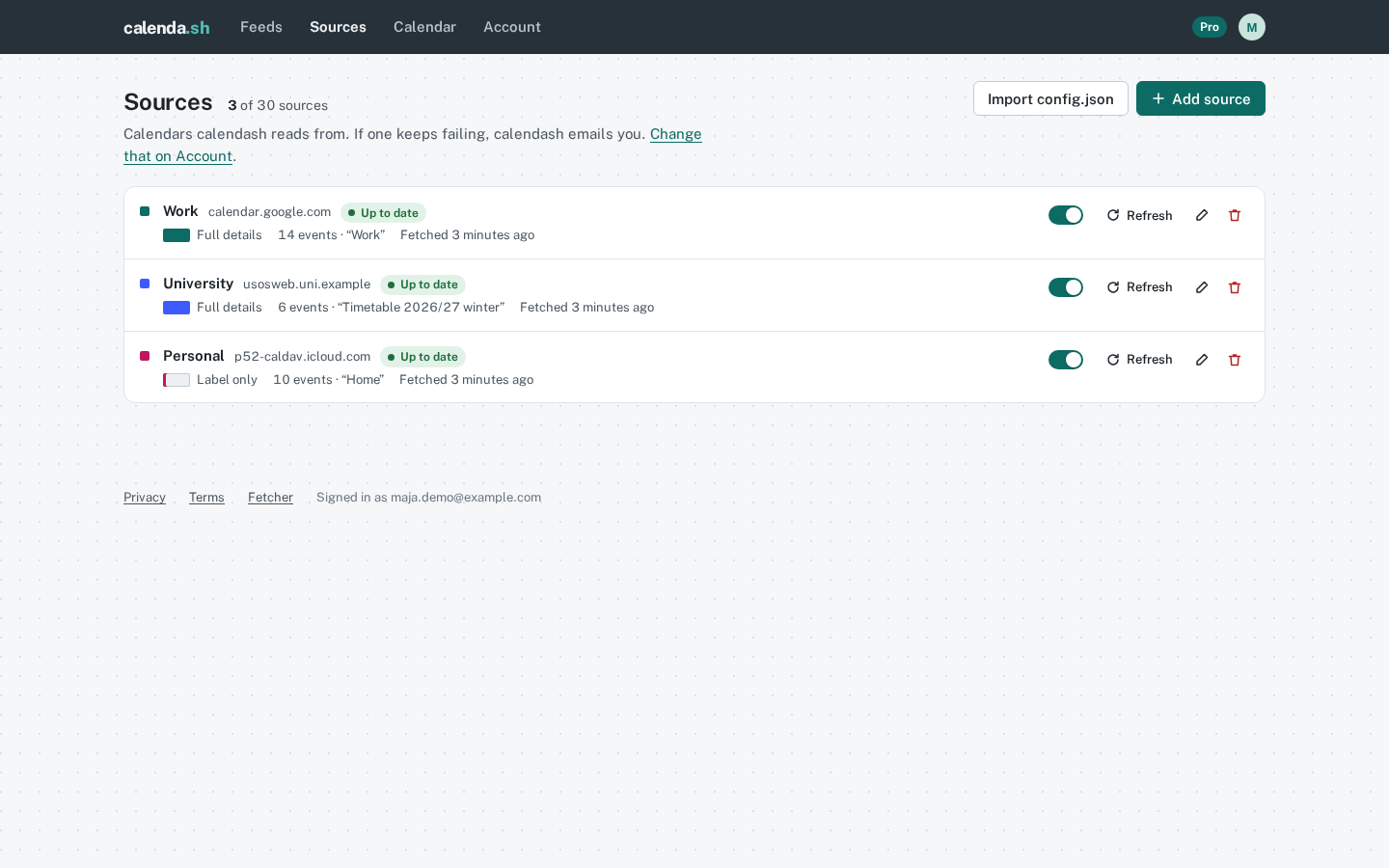
2Add the calendars you have
Paste an ICS or webcal link. Each source shows when it was last fetched and how many events it holds.
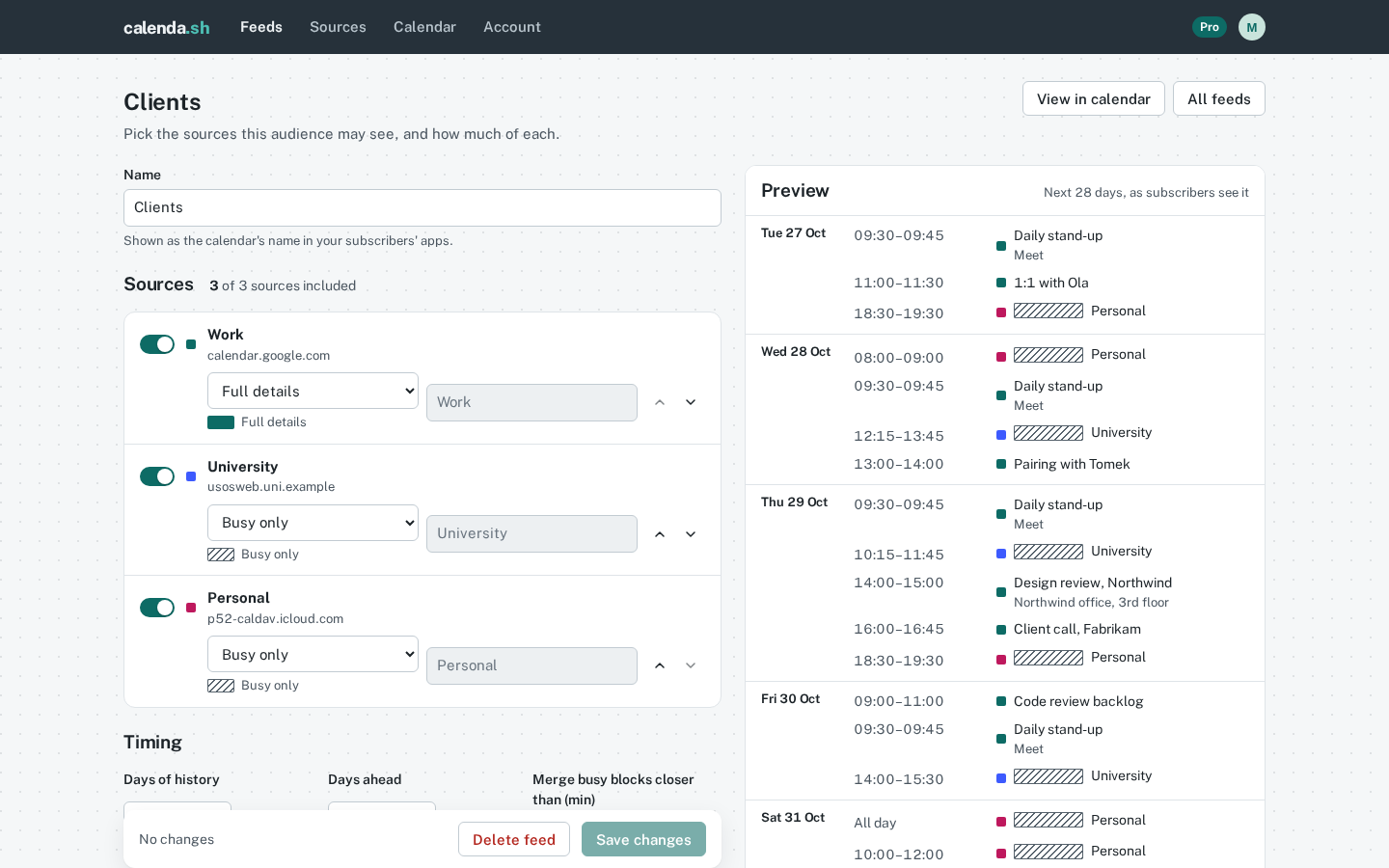
3Choose what each audience sees
The preview is exactly what the feed's subscribers get. Here clients see work in full and everything else as busy blocks.
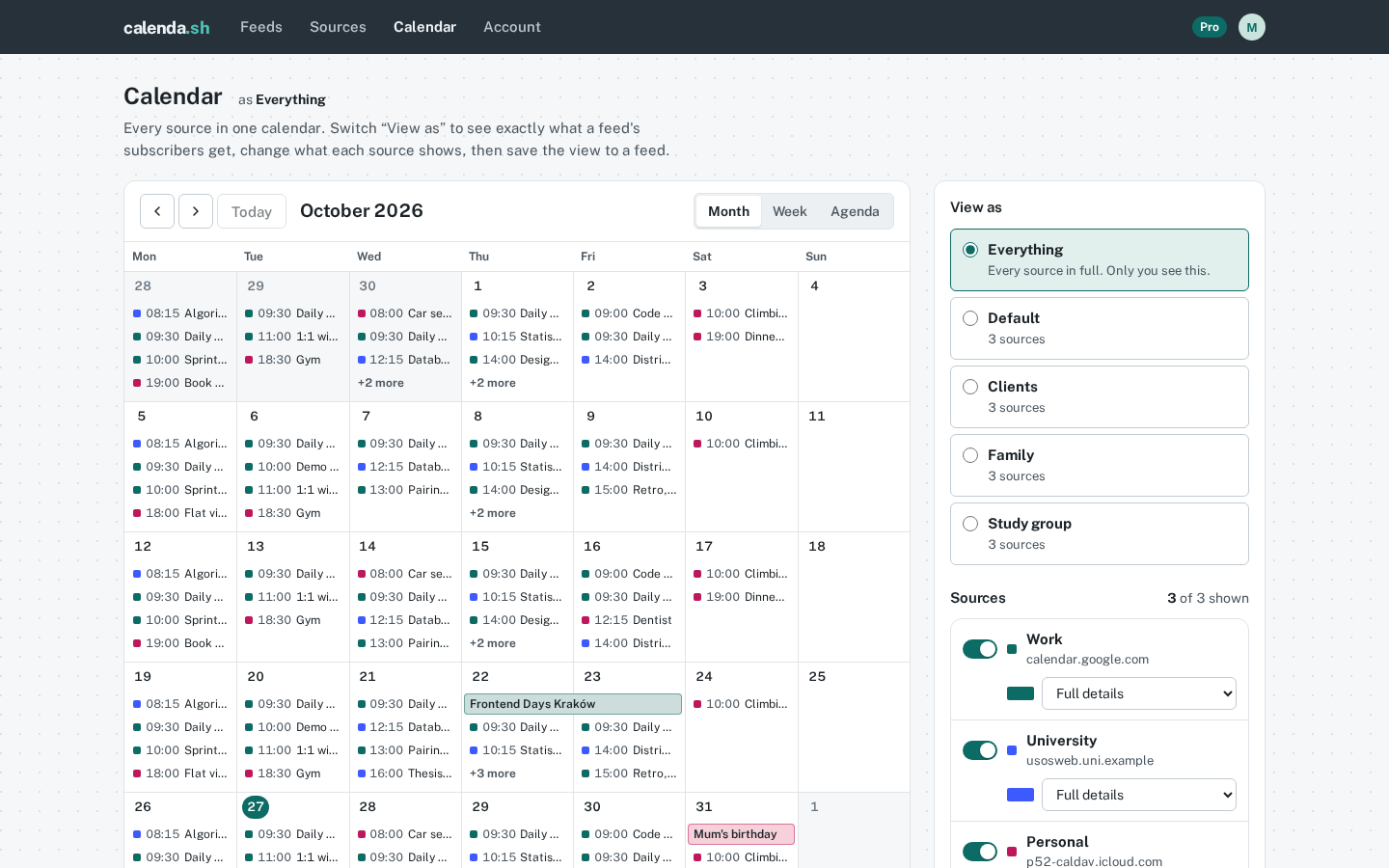
4See every source in one calendar
Month, week or agenda, each source in its own colour.
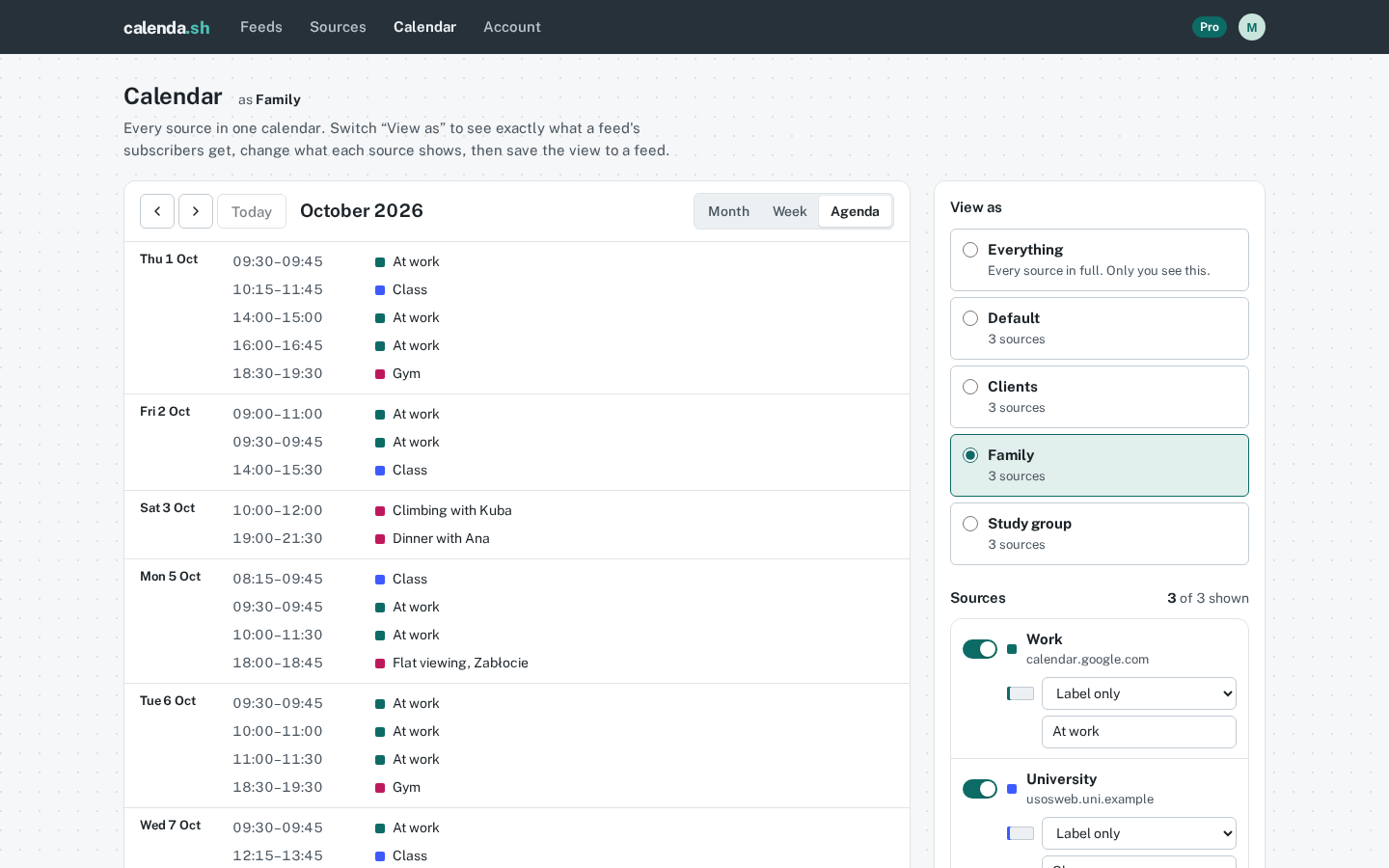
5View it as any feed
Switch “View as” to Family and the same days read “At work” and “Class”.
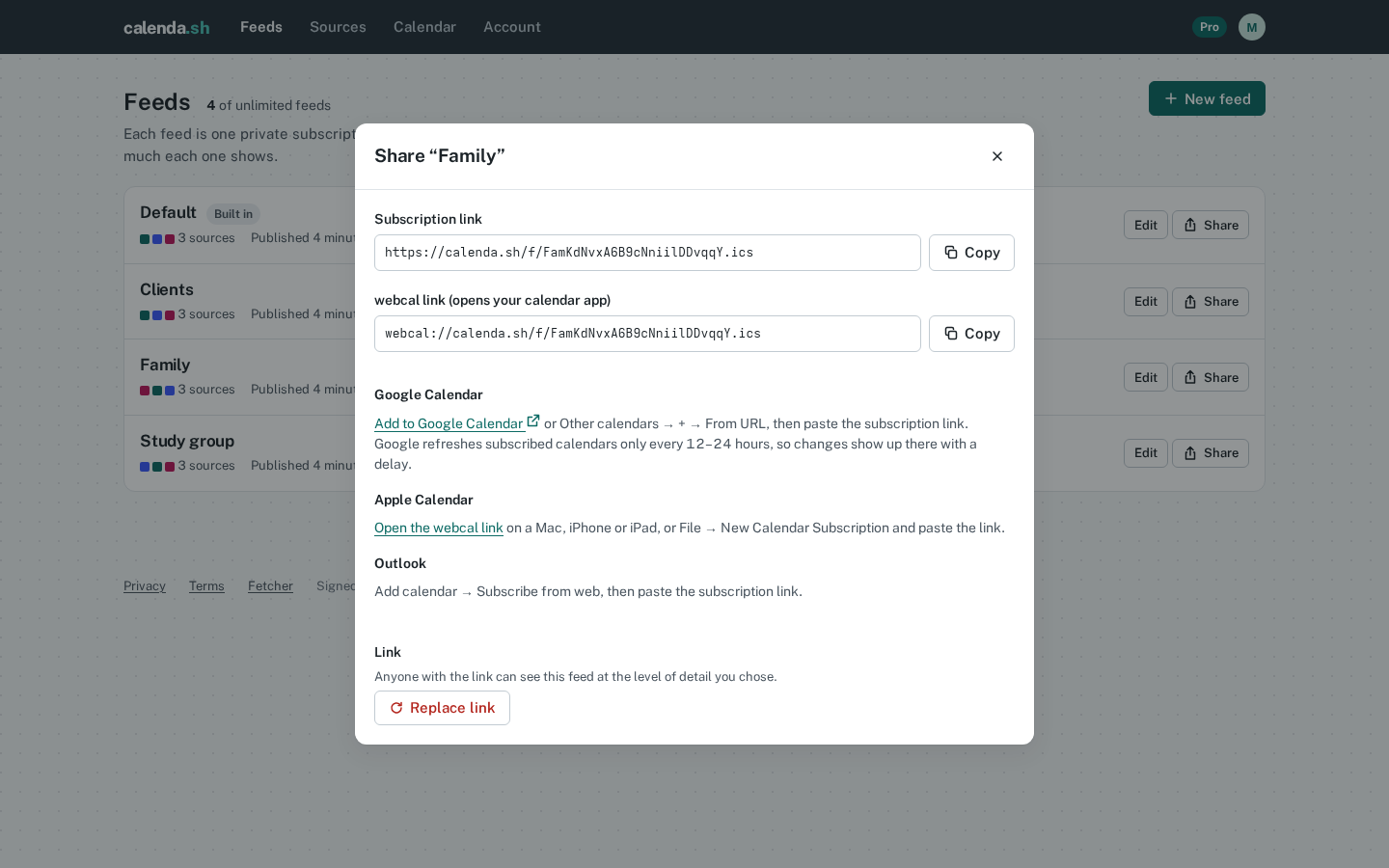
6Share one link
Subscribe in Google, Apple, Outlook or any other calendar app. Replacing the link stops updates for everyone who had the old one; it does not remove events they already received.
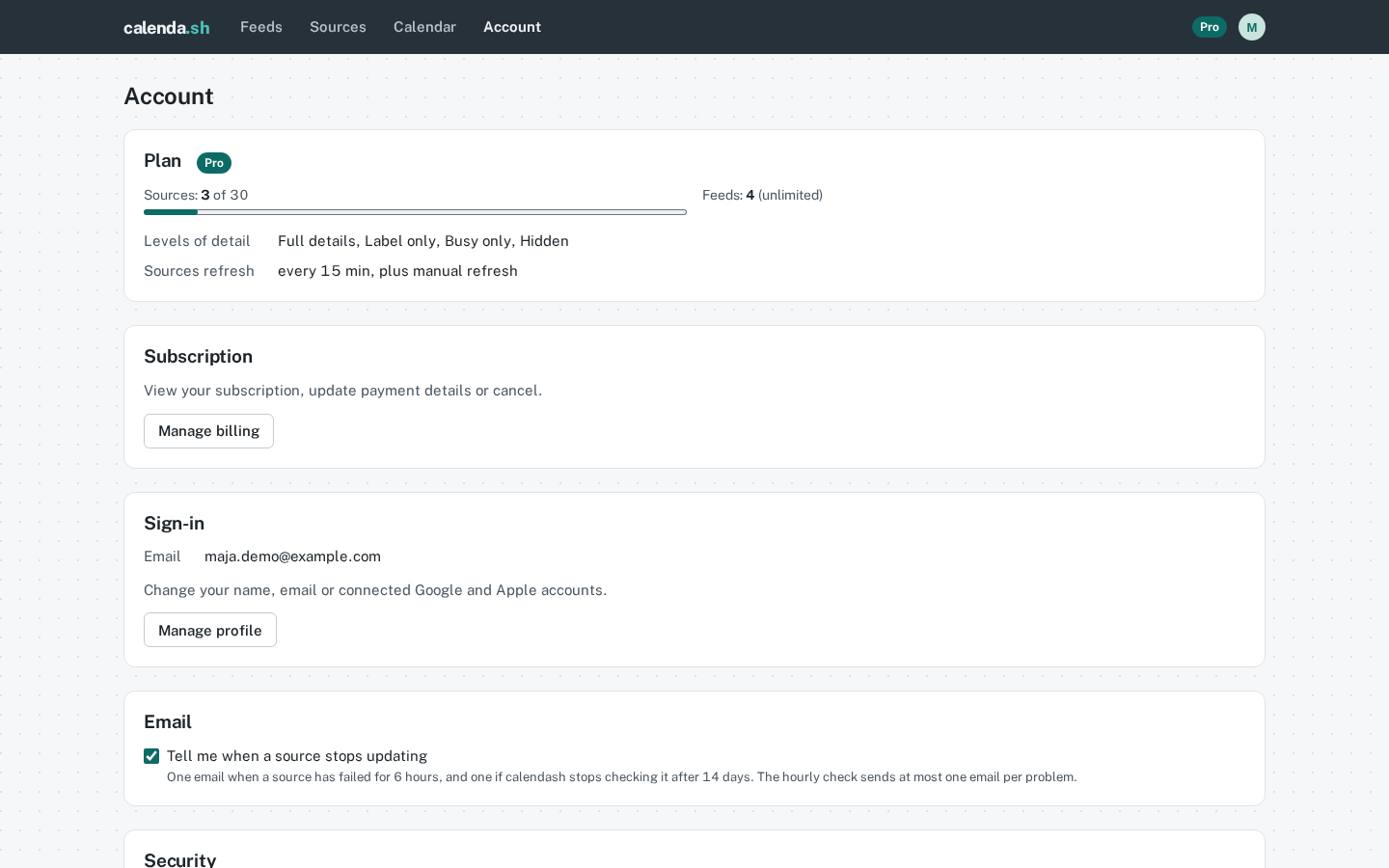
7Keep your account in order
Plan and usage, sign-in, data export and account deletion.


What it does
Combine calendars
Any calendar you can subscribe to, ICS or webcal: Google, Outlook, iCloud, a university timetable or a booking tool, including systems with no app integrations. calendash only reads the links you give it. No OAuth, no write access. Source links are encrypted at rest.
Relabel per audience
Per source and per feed: full details, a label you choose instead of each title (“Dentist” becomes “Personal”), busy-only blocks, or nothing. Relabeling uses the source's name by default; Pro lets you override it per feed. Attendees, organizers and alarms are always stripped.
Filtered feeds, one link each
Each feed is a subscription link with its own sources and level of detail, for whoever you give it to. Google re-reads subscribed calendars only every 12–24 hours; calendash refreshes sources every 2 hours on Free and every 15 minutes on Pro.
Four levels of detail, set per source and per feed
- Full details
- Titles, times, locations and descriptions as they are.
- Label only
- Times with this source's label instead of each title.
- Busy only
- Blocks of busy time, nothing else.
- Hidden
- Left out of the feed.
Pricing
Pro
$5 / month or $48 / year
- 30 sources, unlimited feeds
- Busy-only blocks, per-feed overrides and event filters
- Refresh every 15 minutes, plus manual refresh
Pro starts from a Free account; you choose monthly or annual billing after signing up.
Your first feed takes a few minutes
- Sign in with Google, Apple or your email.
- Paste the ICS or webcal link of each calendar.
- Subscribe to the feed's link in Google, Apple, Outlook or any other calendar app.